| Table of Contents |
|---|
...
So now that we know what css elements we are working with, we can now take this information and add in our own styles to the override.css file
| Panel |
|---|
Main Menu → StoreFronts → File Manager → Search → Override.css |
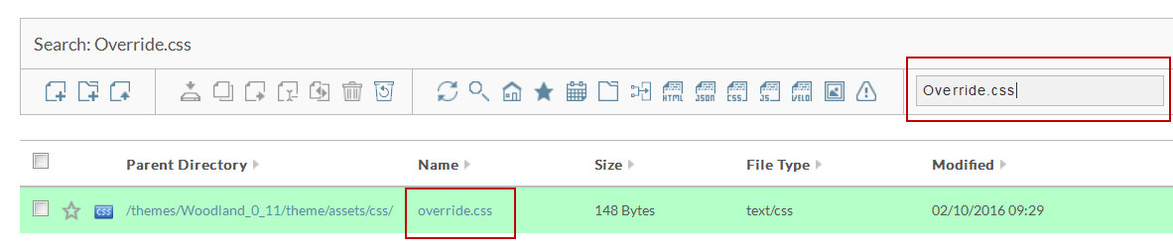
Simply click on "override.css" file name to edit the file. You should see the screen below.
...
| Note |
|---|
Please note that you may also need to make updates to the " .fix-nav #main-header .company-logo img " style as well. This style affects the image as someone scrolls down the page. There are also three (3) different styles to control this as well. |